Who does a manual budget suit?
It can suit someone who wants to review spending deliberately or prefers not to share bank access with a budgeting service. It also requires a habit: a missing purchase or old balance can make the spending estimate misleading.
What is different from bank syncing?
A bank feed can reduce typing and help reconcile activity. Manual entry gives you control over what is recorded and when, but it is not automatically complete. Choose based on the routine you will keep, rather than assuming one model fits everyone.
A simple weekly routine
Add your starting balance and bills. Record purchases as they happen or review them at a consistent time. Once a week, compare the app’s records with your account and correct missing or duplicated items. Do not record transfers as new income.
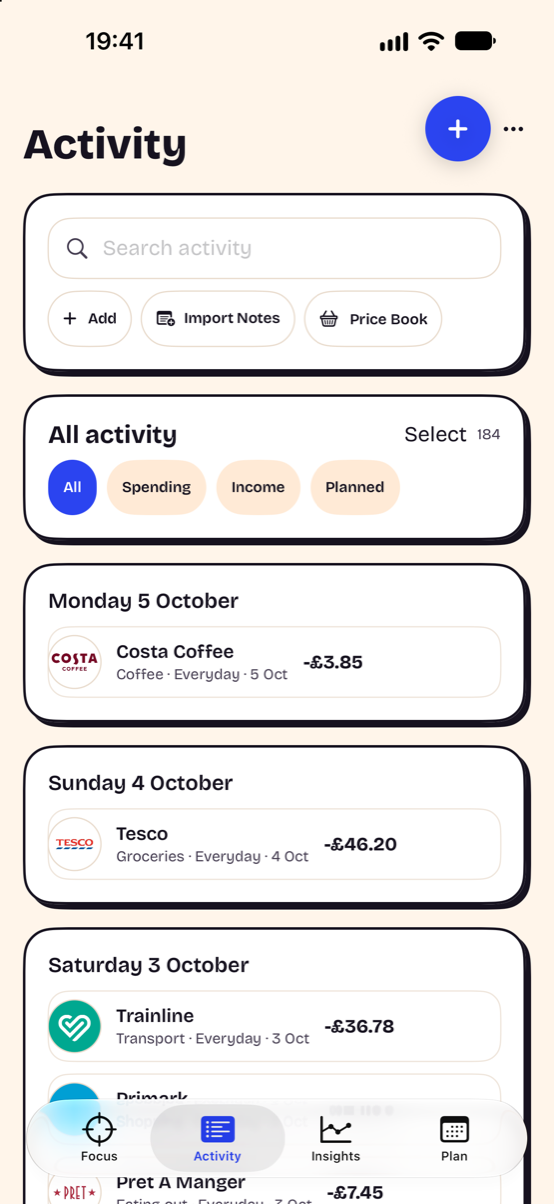
Can capture tools reduce the typing?
Siri, voice, screen capture, receipt capture and user-created Wallet automations can help where supported. Check the amount, date and account before saving. These tools do not grant Headway access to general payment notifications or complete Wallet history.
What should I check about privacy?
Read the storage and optional-processing details, including voice, logos, backups and browser sharing. No login does not mean every optional feature works offline. Headway explains these separately in its privacy policy.
Try the method before choosing
Use the safe-to-spend calculator with example figures, then build a paycheck budget. Check whether you can understand the result and keep the records up to date for a full pay cycle.
For independent worksheets on tracking income and spending, see the CFPB’s Your Money, Your Goals toolkit. Compare Headway and YNAB and read what to check in a private budget app.